Support Center
PC Client
Support Center
How to completely uninstall HZVPN on Windows
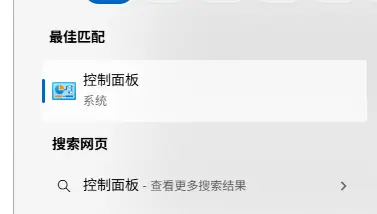
- Search in Windows"control Panel"and open
- choose"program"
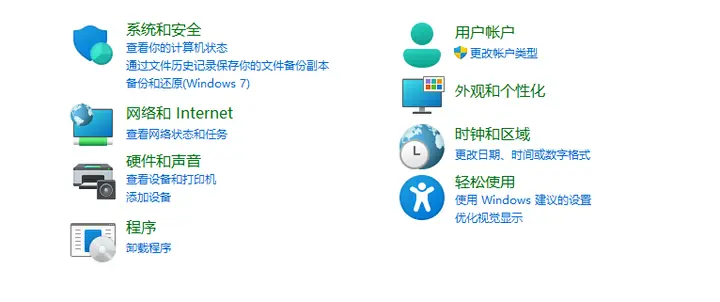
- choose"Programs and Features"

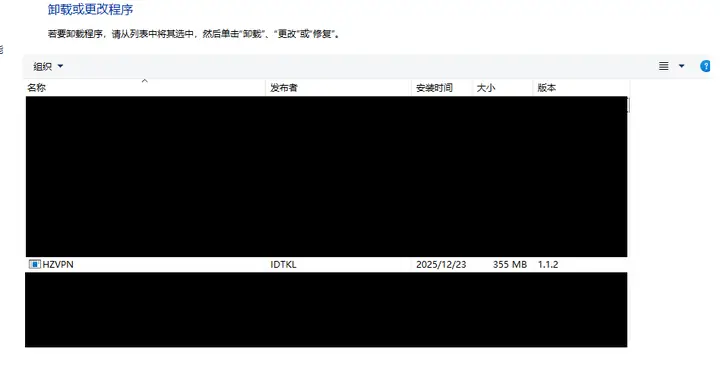
- Find on this page“HZVPN”,double clickclick after"Yes (Y)"uninstall.
Support Center
PC Client
Support Center