TikTok VPN
People search for a "TikTok VPN" for two reasons: videos load slowly away from home, or they want to see what other regions are watching. HZVPN can help with the first. For the second, TikTok works out your region in far more ways than your IP, so we make no promises.
Download HZVPN
What a VPN does while you use TikTok
TikTok is almost all short video, pre-loading the next clip while you watch. The slightest wobble in the network shows up as spinning or blurry video.
With HZVPN on, TikTok traffic is encrypted and sent to your chosen server location. That changes the network path and protects your browsing on shared networks.


Videos spinning? Try another road
If your network's route to TikTok's content servers is poor, a nearby HZVPN location can sometimes help videos load. If not, disconnect and go back to your normal network.
One more route to try on a trip
Away from home, hotel and local networks vary a lot, and HZVPN gives you another route. Whether TikTok can be used where you are depends on local law and TikTok's own rules.
Keep shared networks from seeing what you watch
Whoever runs public Wi-Fi may see which services you connect to. With HZVPN on, those connections are encrypted and they only see VPN traffic.
Keep your habits away from your ISP
Your ISP can see when and for how long you use TikTok. With HZVPN, it only sees encrypted VPN traffic. TikTok itself still knows what you watch and interact with.
TikTok and VPNs: keep expectations low
TikTok's view of your region, account and device is complex. These three points are fairly certain.
Region isn't just your IP
TikTok looks at several signals, such as your SIM, system language and region settings, and account details. Changing only your IP may not change your feed at all, and content may fail to load.
Frequent location changes can trigger risk checks
A sudden change in login location may bring verification or a temporary limit on some features. Try to stick with one server location.
Rules on TikTok differ by place
TikTok is restricted in some countries and regions, and the rules keep changing. Follow the law where you are and TikTok's terms of service; HZVPN can't make that call for you.
Different ways to use TikTok
Watching, browsing on the web, going live and running a business each ask different things of the network.

Mobile app
The main way to use TikTok. HZVPN runs on Android 9+ and iOS 13+.

On the web
Watch TikTok in a browser on your computer. With the Windows or macOS app connected, browser traffic is encrypted too.

LIVE
Going live needs a lot of upload bandwidth and stability, and an extra server adds latency. Before you go live, test with and without the VPN and use whichever is steadier.

Creators and businesses
When you manage brand accounts, a sudden change in login environment may trigger stricter checks. Teams should follow TikTok's rules on account management.
Get started in 3 steps

Sign up and download
Create an HZVPN account on our website, then download the app for Android, iOS, Windows, macOS or Linux.

Pick a server location
Choose one of 43 server locations in the app and tap connect. If it doesn't feel right, switch to another any time.

Open the app you want to use
Open TikTok and scroll through a few videos to check they load. If it's slower than without the VPN, switch location or disconnect.
Why your TikTok feed didn't change with a new IP
TikTok's recommendations draw on lots of information: watch history, account settings, the carrier behind your SIM, your system language and region. Your IP address is just one of them.
So after connecting to a server in another country, your feed may not change at all, or content may fail to load — both are TikTok applying its own rules.
We don't recommend changing your SIM or system settings to alter your feed; it may break TikTok's terms of service and could affect your account.
If you just want videos to load more smoothly, pick a server location close to where you actually are. In Southeast Asia, try Singapore (24 servers), Malaysia (4) or Thailand (5).
HZVPN features that matter for TikTok
We only list features HZVPN actually has today. If a feature isn't listed here, please don't assume it exists.
43 server locations, 265 servers
43 server locations, 265 servers. Choose one close to where you actually are.

Switch locations any time, no limit
If loading isn't smooth, switch location — no limit. Once you find a good one, stick with it.

One account, several devices
Your phone, tablet and computer can all sign in with the same HZVPN account. Devices online at the same time: 3 on VIP, 5 on SVIP (the app shows the current limit).

Free servers once you sign up
Free servers come with sign-up; right now they are in United States, Japan, Hong Kong, Singapore, Germany, Canada, France, Thailand and United Kingdom.
Where the free servers are today
 United States
 Japan
 Hong Kong
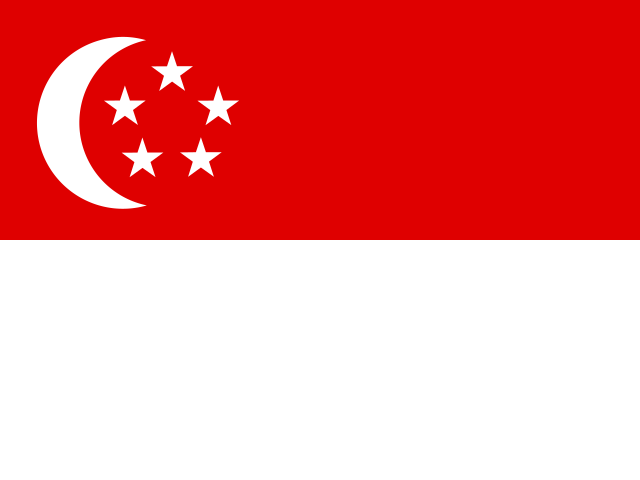 Singapore
 Germany
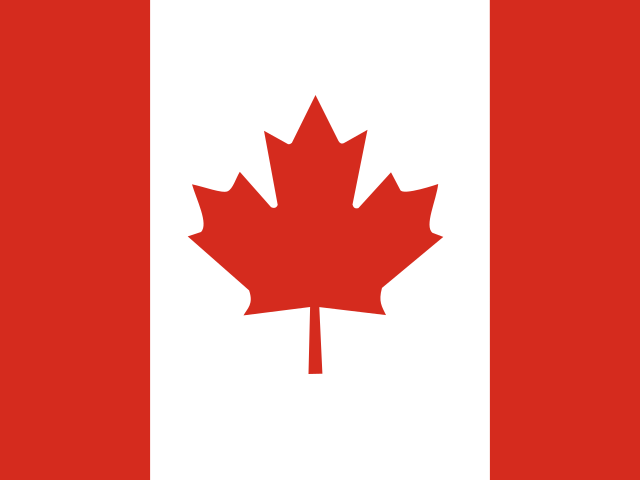 Canada
 France
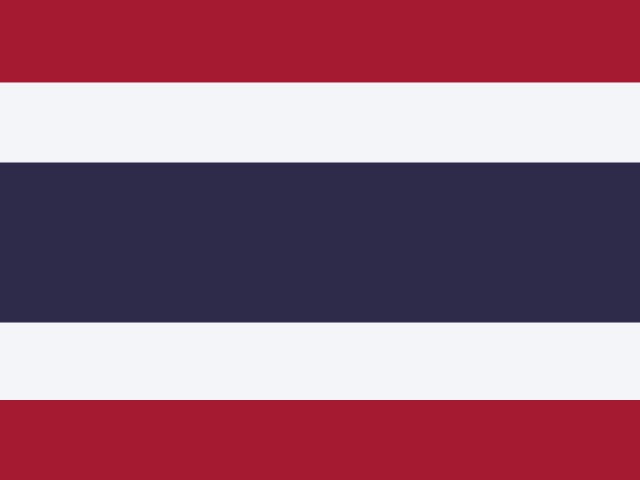 Thailand
 United Kingdom

Frequently asked questions
Can a VPN show me TikTok content from other countries?
We don't make that promise. TikTok judges region from your SIM, system settings and account details, not just your IP, and changing region may break TikTok's terms.
Will I get banned for using TikTok with a VPN?
Using a VPN doesn't by itself mean a ban, but frequent changes in login location may trigger checks or limits. Follow TikTok's terms of service.
Can I use TikTok where I am?
That depends on local law and TikTok's rules. Check official sources.
Should I use a VPN when going LIVE?
Going live needs a stable network, and a VPN adds an extra server to the path. Test both ways before going live and use whichever is steadier.
TikTok keeps spinning and won't load videos. What can I do?
Check that your local network works, try with and without the VPN, and try one or two server locations near you.
Can I use TikTok on the free servers?
Yes, the free servers can be used; right now they are in United States, Japan, Hong Kong, Singapore, Germany, Canada, France, Thailand and United Kingdom.
Ready when you are
Sign up for an HZVPN account to use the free servers. Upgrade later if you need more server locations or more devices online at once.
Server numbers come from our server list (43 locations, 265 servers). They change with maintenance; the app always shows the current list.