Support Center
PC Client
Support Center
Network fails after disconnecting Tun2Proxy
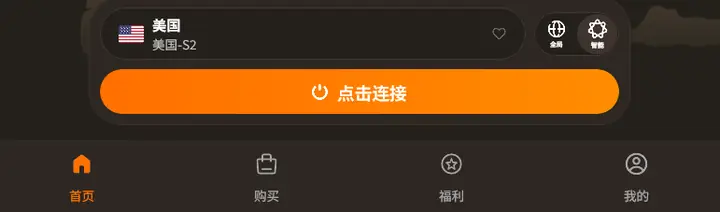
- If you encounter this situation, please make sure it is disconnected. Select the column below the My tab in the app
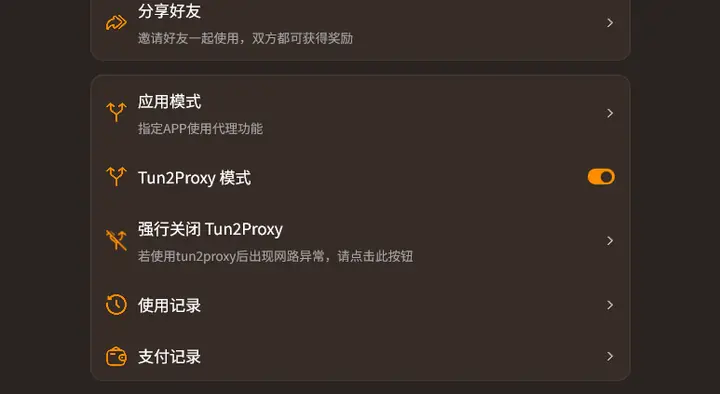
- On the My screen, find the Force close Tun2Proxy option and click it.
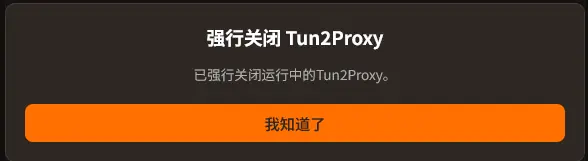
- If successfully detected and closed, the following pop-up window will pop up and inform you that tun2proxy has been successfully closed.
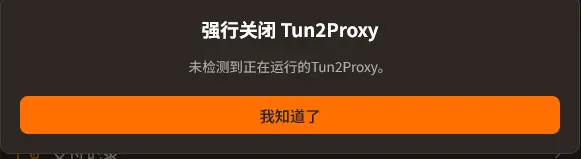
- If the following pop-up window pops up, it means that running tun2proxy is not detected, and your network should be operating normally.
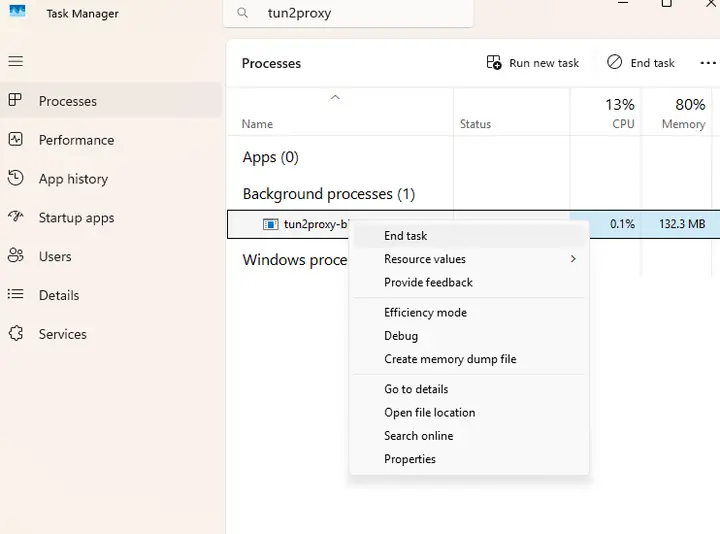
- If the above solutions still cannot solve the problem, you can try to go to the Task Manager, and query tun2proxy in the search bar, right-click the program and select End task