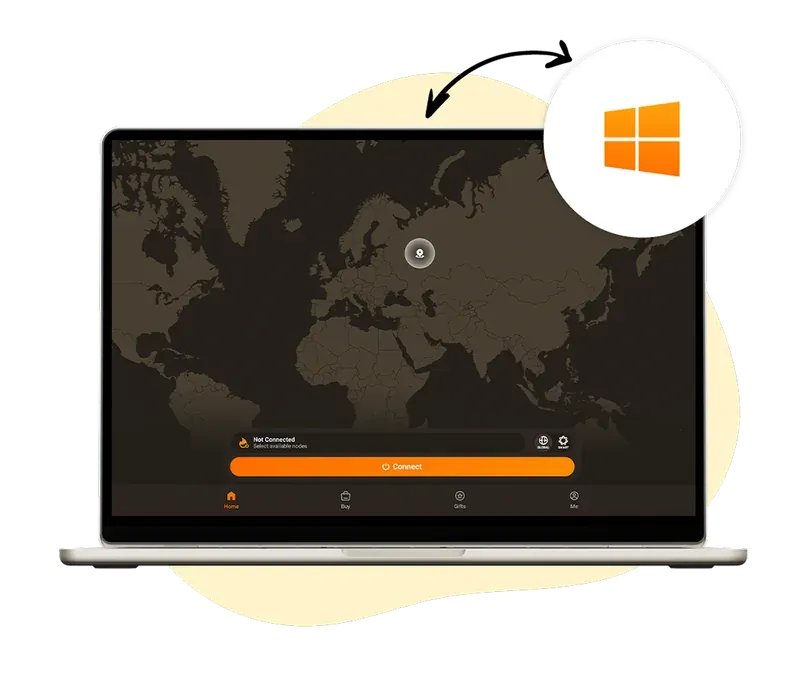

Download VPN for
Windows for fast and secure browsing
- One-click connection for privacy and stable browsing
- Advanced encryption to stop hackers and leaks
- Compatible with Windows 11 and newer

 Guideline
How to get a VPN
and start using it
Create an account
Select HZVPN subscription plan and create your account.
Download the VPN app
Download the HZVPN app from our website, the App Store , or the Google Play Store and install it on all your devices.
Log into your account
Log in, connect to any server, and enjoy a secure and private online experience with VPN!



 Benefits
Discover the key benefits
of the HZVPN app


Fast Speeds, Even on Distant Servers
HZVPN delivers high-speed performance with smart routing and optimized global servers. Whether you’re gaming, streaming, or browsing, you’ll enjoy smooth and lag-free connections, even when connected across borders.


Enjoy Private and Safe Browsing Wherever You Go
Stay anonymous and secure online with military-grade encryption. HZVPN shields your data from hackers, trackers, and even your ISP, whether you're at home, at work, or on public Wi-Fi.
How to install a VPN on Windows (CLI)
1. Install HZVPN
Write the command line below into the terminal and click "Enter."
iwr https://huozhongapp.com/download/cli/installer.ps1 | iex2. Log in to your HZVPN
Run the command as shown below:
hzvpn login3. Connect to a VPN server
To connect automatically:
hzvpn connect <server_id|"name">4. Adjust your settings
Visit our support page to explore more customizable options and commands for Windows.

 Download
Get HZVPN on Every Device for Seamless Protection
Compatible with Windows, macOS, Android, iOS, and more. With just one account, you can secure every platform you use without any hassle.