
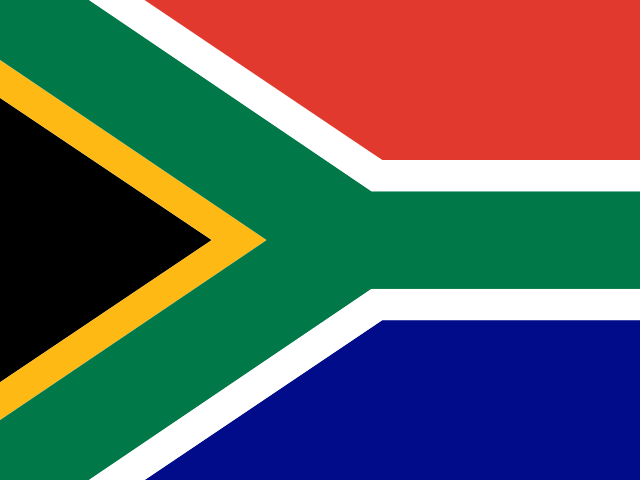
 South AfricaMiddle East & Africa
2 VPN servers
Updated 2026-10-31
Why You Need a South Africa VPN
Connecting through a server in South Africa routes your traffic via a local exit: sites and services aimed at that region tend to load more smoothly, and on untrusted networks like public Wi-Fi your connection is encrypted, reducing the risk of your traffic being snooped on. Whether a specific site is reachable still depends on that site's own access policy — we can't guarantee it.
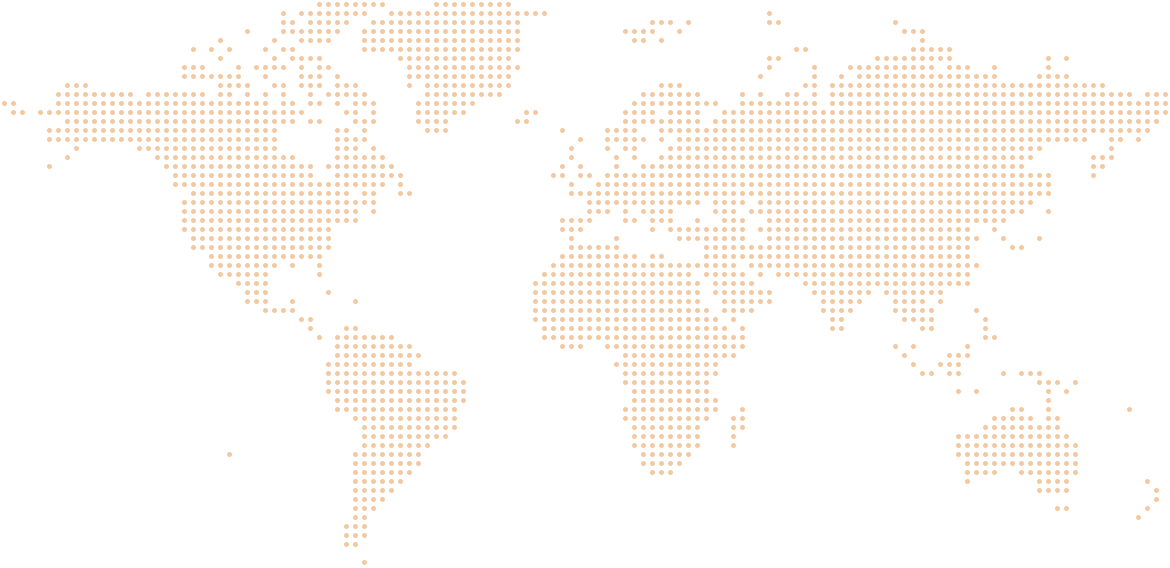
South Africa is currently HZVPN's only server location in Africa, with 2 VPN servers, both in the SVIP tier.
At the southern tip of the African continent, South Africa is unusual in having three capitals: Pretoria (executive), Cape Town (legislative) and Bloemfontein (judicial). English is widely used in business and online, and the currency is the rand. Most people who want a South African IP live or work there and need to sign in to local banking and government services while abroad, or want to browse South African online stores in rand and read local news sites that are open to the public. For users in southern Africa, it is the geographically closest option; when South African servers are busy, consider the UAE, Saudi Arabia or a European location.
HZVPN currently has 2 VPN servers in South Africa — No. 19 (tied with 6 others) of 43 countries and regions by server count, and 33% of all servers in Middle East & Africa. If the South Africa servers are temporarily unavailable, you can switch to nearby Saudi Arabia, United Arab Emirates or Israel.
South Africa Server Tiers
- Free
- 0servers
- VIP
- 0servers
- SVIP
- 2servers
The client always shows what's currently available.
View pricingProtect Your Privacy on Any Network
HZVPN servers only relay your traffic — we don't log your browsing activity, connection timestamps, or original IP address. Once connected, everything between the client and the server travels through an encrypted tunnel, so your connection stays protected on café, airport, and other public Wi-Fi.
HZVPN Core Features
Apps for every platform
Android, iOS, Windows, macOS, and Linux, plus a command-line version — one account works on all your devices.
Fast and stable
Smart routing and optimized servers worldwide keep gaming, streaming, and everyday browsing smooth.
Strict no-logs
Servers only relay your traffic — we don't log your browsing activity, connection timestamps, or original IP address.
Global VPN Servers
Choose from 43 countries and regions and 265 servers; Middle East & Africa, where South Africa sits, has 5 locations.














Included with Every HZVPN Account
- Servers in 43 countries and regions
- Android, iOS, Windows, macOS, and Linux apps
- Command-line (CLI) version
- Encrypted tunnel
- Strict no-logs policy
- Unlimited location switching
- Free tier, free forever
- Email and ticket support
Frequently Asked Questions
About the South Africa Servers
How many VPN servers does HZVPN have in South Africa?
Can free accounts connect to South Africa?
What if the South Africa servers are unavailable?
How do I confirm I have a South Africa IP?
Using Your Account
Can I switch VPN locations at any time?
How many devices can one account use?
What happens to my data when I connect?
How do I know I'm downloading the official client?
Connect to South Africa with HZVPN
Register to use the free tier free forever, and upgrade whenever you need more locations.
Download FreeAvailable on Android, iOS, Windows, macOS, and Linux